Billing, stock & GST that keep running offline.
One family of programs for Indian shops and kitchens. Each one speaks its own trade’s language, keeps working when the internet doesn’t, and keeps your data on your own PC.
- Works without internet
- GST ready
- Help in English and Urdu
- 45-day free trial
Choose your business
One family. An edition for each trade.
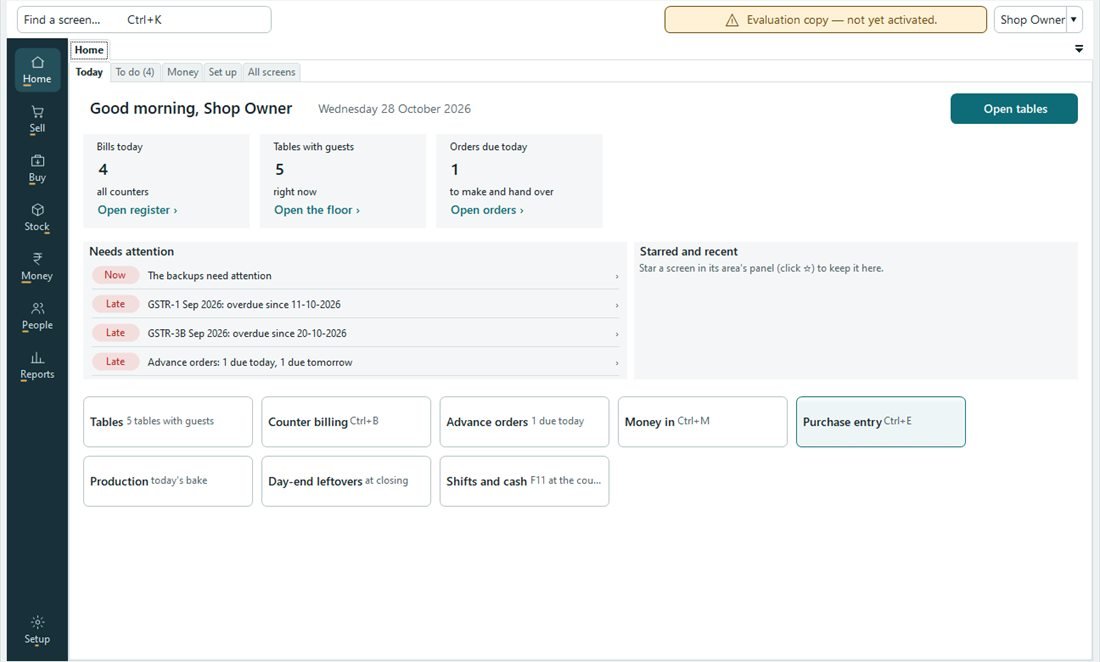
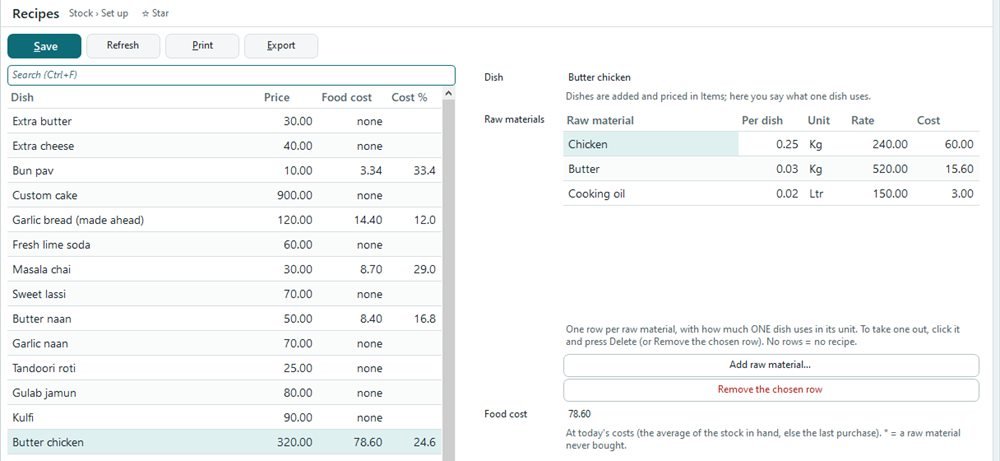
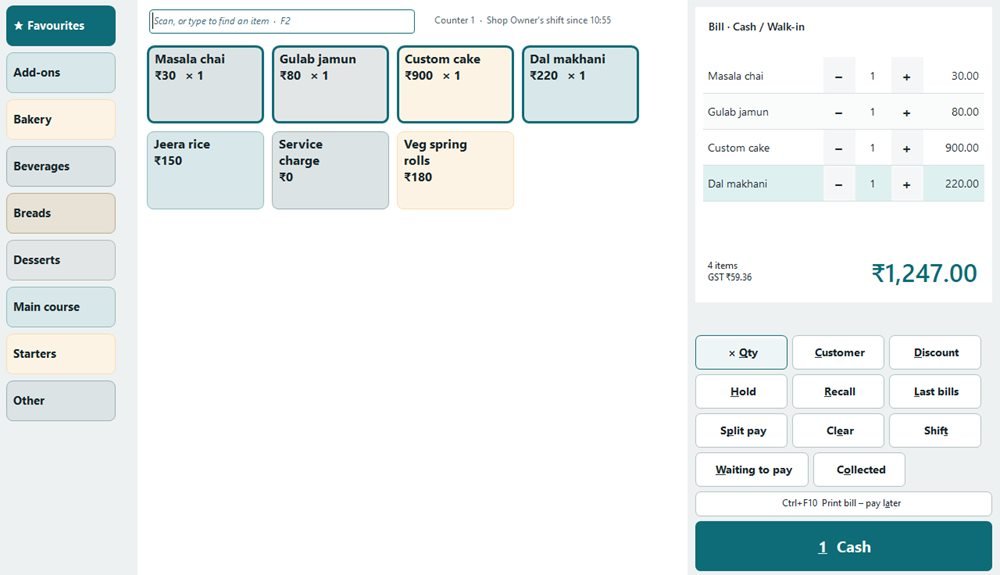
- Ready nowRestaurants, cafés & bakeriesTables, kitchen screen, quick touch billing, recipes and food cost, cake orders, shifts and the owner’s day summary on WhatsApp.Explore the restaurant edition
- Coming soonRetail & supermarketsBarcode billing, schemes and offers, shelf labels, stock on every shelf.See what’s coming
- Coming soonPharmacyBatches and expiry, substitutes, doctors and prescriptions, drug registers.See what’s coming
- Coming soonElectronics & mobile shopsIMEI and serial numbers, warranty, finance companies, repair jobs.See what’s coming
- Coming soonDistribution & wholesaleSalesmen, schemes, credit limits, e-way bills, outstanding by party.See what’s coming
- Coming soonPetrol pumpsNozzles and meter readings, the fuel day, tankers, fleet billing.See what’s coming
- Existing customersAero Billing (classic)Already using Aero Billing? Support continues; moving to Aero Next is free.For Aero Billing users
What every edition shares
The same promise in every shop.
Your data stays with you
On your own PC, in your shop, not on our servers.
Billing never waits
Internet down? Bills, kitchen and stock carry on.
Clean books
No bill is ever deleted. Every change shows who and when.
Learn on F1
Short help videos on every screen, in English and Urdu.
FAQ
Questions owners ask
Does Aero Next work without internet?
Yes. Billing, the kitchen screen and stock run on your shop’s own PCs and network. Internet is only needed to send e-mail or WhatsApp.
What do I need to run Aero Next?
A Windows 10 or 11 PC (64-bit), an 80 mm bill printer, and optionally a kitchen printer, a kitchen screen or a customer display. One setup file installs everything on the main PC.
How many PCs and counters can I use?
You choose the users, counters and PCs in your licence. The kitchen-screen PC never counts against it.
See it with your own menu.
Free demo · 45-day free trial · we help you enter your menu.